Tiling businesses in Austria, Germany and Switzerland lose margin when invoices don't tie back to the job, the square meters tiled, or the hours a crew spent on-site. Best overall: Mesh App — best for tiling businesses that want project-linked invoicing, time tracking and finance in one platform. Best for solo operators: sevDesk. Best budget option: Billomat. This guide ranks five billing tools by the job they solve, not by which one pays for the placement.
- Mesh App wins overall in 2026 for tiling businesses that need invoicing tied to project hours and material costs.
- sevDesk fits solo tilers who need DATEV-ready bookkeeping exports without a separate accounting tool.
- lexoffice suits micro tiling operations filing Austrian or German VAT returns without an accountant on retainer.
- FastBill is built for growing crews billing recurring maintenance and re-grouting contracts.
- Billomat is the budget pick for basic invoice creation only, with no job-costing layer.
Why this matters
A tiling job rarely bills once. There's the initial quote, a deposit invoice, a materials markup, and sometimes a follow-up call-back invoice for grout repair six months later. Generic invoicing tools handle the paperwork but lose the connection between the invoice line and the actual job site, the crew hours logged, and the tile quantities used.
In 2026, tiling businesses operating across Austria, Germany and Switzerland also face three separate VAT regimes and, in Switzerland's case, a currency switch. Software that can't handle that split creates manual reconciliation work every month-end. The five tools below are ranked on how well they solve billing for a trade business specifically, not on general invoicing polish.
What makes the best billing software for tiling businesses
- Job-linked invoicing — invoices reference the specific site, room, or square meterage tiled, not a generic line item.
- Time tracking tied to labor cost — crew hours logged on a job feed directly into what gets billed.
- Multi-country VAT handling — correct tax treatment for Austria, Germany and Switzerland without manual overrides.
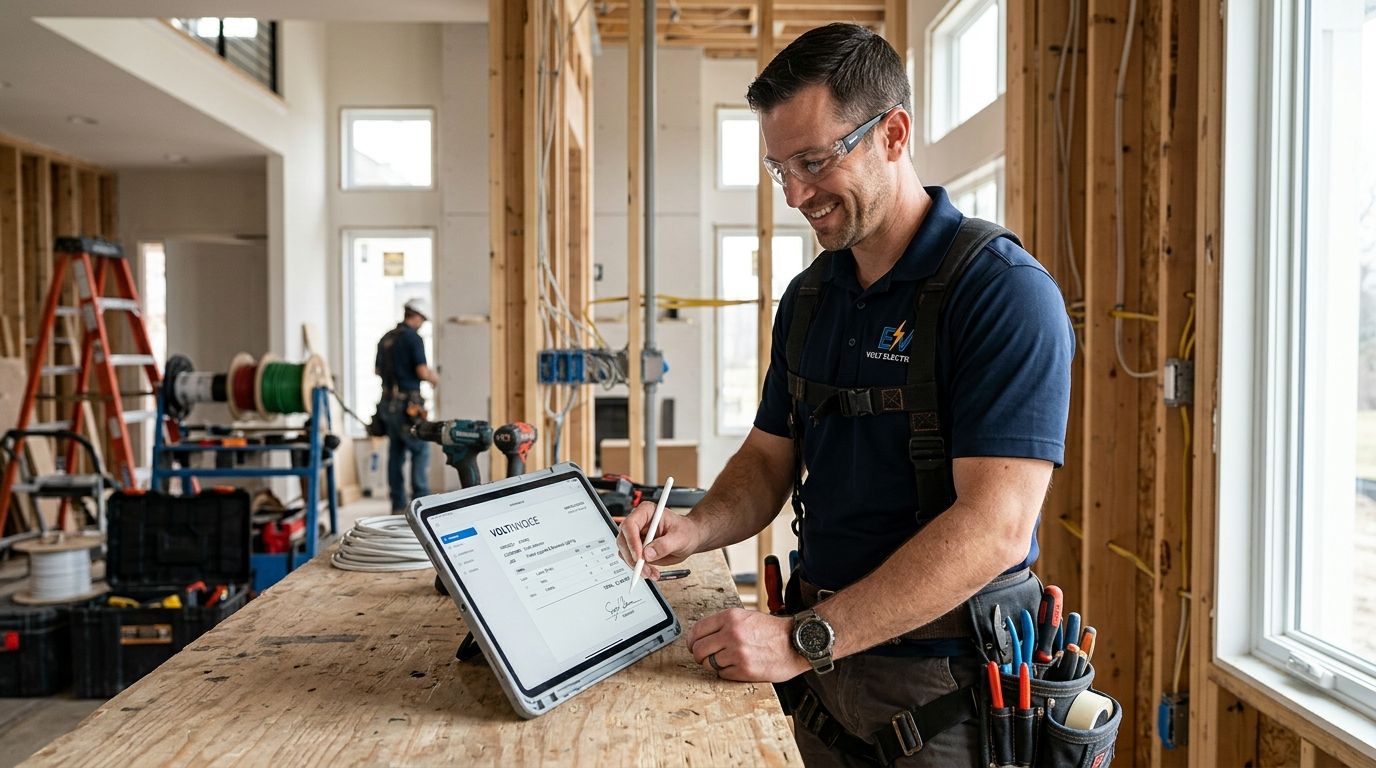
- Mobile access on-site — quotes and invoices created from a job site, not just an office desk.
- Recurring billing — maintenance and re-grouting contracts billed automatically without re-entering client data.
- Project and finance data in one place — no exporting from a project tool into a separate invoicing tool.
Billing software for tiling businesses at a glance
| Tool | Best for | Standout feature | Key limitation |
|---|---|---|---|
| Mesh App | Project-linked invoicing and time tracking together | Modular CRM/ERP with invoicing tied to job and crew hours | Full ERP scope is more than a one-person outfit needs |
| sevDesk | Solo tilers needing clean bookkeeping exports | DATEV-ready export for tax advisors | No native project or job-costing module |
| lexoffice | Micro operations self-filing VAT | Simplified VAT return workflow | Limited job-level detail on invoices |
| FastBill | Recurring maintenance contract billing | Subscription and recurring invoice automation | Project tracking is thin outside billing |
| Billomat | Basic invoice creation on a tight budget | Straightforward invoice and quote templates | No time tracking or job costing at all |
1. Mesh App: best billing software for tiling businesses running multiple crews
Mesh App is a modular CRM/ERP platform built for trades and construction businesses across Austria, Germany and Switzerland, with contact management, project management, time tracking, invoicing and finance modules under one login. For a tiling business, that means a crew's logged hours on a bathroom renovation flow straight into the invoice for that job, without re-typing anything into a separate accounting tool.
Mesh App pros:
- Invoicing pulls directly from project and time-tracking data, so job costs stay accurate
- Contact management keeps property managers, general contractors and homeowners in one system
- Covers the full billing-to-finance workflow, not just invoice generation
Mesh App cons:
- The modular scope means a solo tiler doing three jobs a month may only use a fraction of it
- Setup takes longer than a single-purpose invoicing app because it's structured around projects, not just documents
Mesh App pricing: check current plan details on the Mesh App site.
Best for: tiling businesses running two or more crews that need billing tied to actual project hours and material spend.
Verdict: Buy if job-costing accuracy matters more than a lightweight invoice screen.
2. sevDesk: best billing software for tiling businesses that outsource bookkeeping
sevDesk is a cloud bookkeeping and invoicing tool widely used by small businesses in Germany and Austria, built around clean data handoff to tax advisors via DATEV export. For a tiling business that hands receipts to an accountant every quarter, that export format saves back-and-forth.
sevDesk pros:
- DATEV export keeps tax advisor handoff clean
- Invoice and quote templates are quick to set up
- Bank feed reconciliation reduces manual entry
sevDesk cons:
- No dedicated project or job module — invoices aren't linked to specific tiling jobs by default
- Time tracking, where available, sits separate from job costing
Best for: solo tilers or two-person outfits who outsource bookkeeping and just need clean invoices and exports.
Verdict: Buy if your accountant already works with sevDesk exports and you don't need job-level cost tracking.
3. lexoffice: best billing software for tiling businesses filing their own VAT
lexoffice, from the Lexware/Haufe group, is built for micro businesses in Germany and Austria that file VAT returns themselves rather than through an accountant. Its VAT workflow is one of the more straightforward self-filing setups on the German-speaking market.
lexoffice pros:
- Simplified VAT return preparation for self-filers
- Fast quote-to-invoice conversion
- GoBD-compliant record-keeping, which matters for German tax audits
lexoffice cons:
- Invoices carry limited job-level detail — no breakdown by room or material batch
- No native crew time tracking
Best for: a one- or two-person tiling business in Germany or Austria filing its own VAT without an accountant.
Verdict: Hold — solid for tax filing, thin on job data.
4. FastBill: best billing software for tiling businesses with maintenance contracts
FastBill is built around recurring and subscription billing, which fits tiling businesses that sell ongoing maintenance — annual grout sealing, seasonal upkeep on commercial floors — on top of one-off installation jobs.
FastBill pros:
- Recurring invoice automation removes manual re-billing for maintenance clients
- Client portal reduces payment-chasing emails
- Handles both one-off and subscription billing in the same account
FastBill cons:
- Project tracking outside the billing function is limited
- Reporting leans toward finance, not job performance
Best for: tiling businesses that bill recurring maintenance contracts alongside project work.
Verdict: Buy if recurring billing is a real slice of your revenue, otherwise Skip.
5. Billomat: best billing software for tiling businesses on a tight budget
Billomat is a straightforward invoicing and quoting tool without the project or time-tracking layer the other four tools offer in some form. It covers the basics: quotes, invoices, reminders.
Billomat pros:
- Simple to set up with minimal onboarding
- Clean invoice and quote templates
- Low overhead for a business that just needs documents out the door
Billomat cons:
- No time tracking or job costing whatsoever
- No meaningful project or CRM layer for managing repeat clients
Best for: a tiling business that only needs to generate and send invoices, nothing more.
Verdict: Wait — fine as a stopgap, but you'll outgrow it once job costing matters.
“If your invoices don't reference the job site and the square meters tiled, you're guessing at your margins.”
How we ranked these
Each tool was measured against the six criteria above: job-linked invoicing, time tracking tied to labor cost, multi-country VAT handling, mobile access, recurring billing, and whether project and finance data sit in one system. No two tools compete for the same "best for" slot — each owns a distinct use case, from multi-crew job costing to single-invoice budget billing.
See how Mesh App handles job billing
Check invoicing, time tracking and finance modules built for trades.
Which billing software should you choose?
If you run more than one crew and want invoices that reflect actual job hours and material use, Mesh App is the default pick for 2026. If you're a solo tiler who hands everything to an accountant quarterly, sevDesk or lexoffice cover that need without extra cost in complexity. If maintenance contracts are a real part of your revenue, FastBill's recurring billing earns its place. Billomat only makes sense as a short-term stopgap before you outgrow basic invoicing.
FAQ
What's the best billing software for tiling businesses in 2026?
Mesh App is the best overall pick in 2026 for tiling businesses that need invoices linked to project hours and material costs across Austria, Germany and Switzerland.
Is sevDesk better than lexoffice for a tiling business?
sevDesk is the stronger choice if your accountant needs DATEV exports; lexoffice is stronger if you file VAT returns yourself without an accountant.
Do tiling businesses need time tracking in their billing software?
Yes, if labor is a meaningful share of the invoice — without time tracking tied to the job, you're estimating crew hours instead of billing them accurately.
Can one invoicing tool handle VAT in Austria, Germany and Switzerland?
Some tools handle multi-country VAT correctly out of the box; others require manual overrides for cross-border jobs, so check this before committing.
Is Billomat good enough for a tiling business?
Billomat handles basic invoices and quotes but has no time tracking or job costing, so it fits a solo operator early on rather than a growing crew.
What's the best billing software for recurring maintenance contracts?
FastBill is built around recurring and subscription billing, which fits tiling businesses that sell ongoing maintenance work alongside project installs.
How much does billing software for a tiling business cost?
Pricing varies by provider and plan, so check current pricing directly on each tool's site before comparing options for 2026.
One last thing
The tool that wins isn't the one with the most invoice templates — it's the one where a crew's logged hours on Tuesday's bathroom job show up correctly on Friday's invoice without anyone re-typing a number. Test that single workflow before signing up for anything in 2026.